Automotive Call Routing Software: How Multi-Location Shops Stop Missing Calls
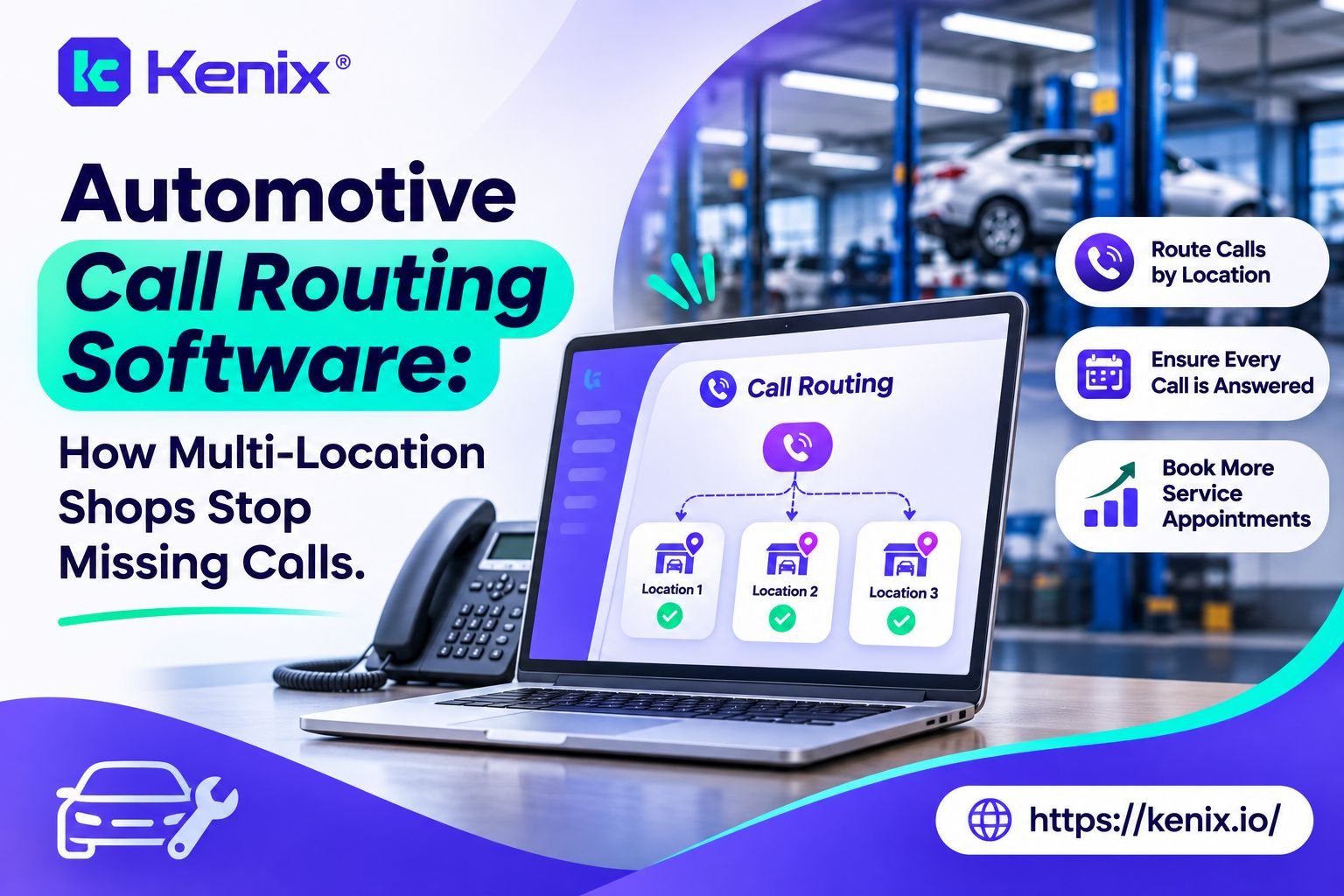
Call routing software decides where an incoming call rings, who gets it next if nobody picks up, and what happens after hours. For a multi-location auto repair group, the right rules mean every call reaches a person who can book it. The wrong ones, or none, send customers to a busy front desk while the shop ten minutes away sits idle.
If you’ve ever stood at one location listening to the phone ring while the other store is empty, you already know why this matters. Here’s how routing works in practice, which rules fit a repair shop, and how to set them up without a telecom degree.
Routing models: ring groups, round robin, overflow, by location and by caller history
Most routing comes down to five building blocks. You’ll usually combine two or three.
| Model | How it works | Best for |
|---|---|---|
| Ring group | Rings several phones at once; first to answer takes it | One shop with 2 to 4 advisors at the counter |
| Round robin | Passes calls to advisors in turn, so no one is always first | Teams that want an even call load |
| Overflow | If nobody answers in a set time, the call moves to a backup path | Peak hours and lunch breaks |
| By location | Sends callers to the shop nearest them or the number they dialled | Groups with a number per store |
| By caller history | Looks at who the caller is and who dealt with them last | Repeat customers with an open job |
Kenix describes its routing as rules “based on location, time, department, or customer type,” with smart routing that looks at business hours, caller history and advisor availability, plus backup paths when the right person can’t pick up (source: Kenix intelligent call routing, checked October 30, 2026). That covers location, caller-history and overflow routing in one place, which matters because most multi-location shops need more than one model.
The common mistake is starting with the technology. Start with the question: when this call comes in, who should answer it, and who should answer it second? Write that down for each location before you touch a setting.
Routing to the advisor who owns the RO
A customer calling about a car that’s already in your bay doesn’t want the front desk. They want the advisor who wrote the repair order. When that person is on the line with someone else, the caller should land somewhere useful, not in a ringing void.
A sensible rule set looks like this:
- Recognise the caller. The system matches the number to a customer record.
- Ring the advisor who last handled them for a set time, for example 15 seconds.
- If no answer, try the second advisor or the service manager for the same location.
- If still no answer, send to the shared front-desk group, then to a callback that logs the request and the customer’s name.
The advisor-first step is what makes customers feel known. The fallback steps are what make sure no one is left hanging.
Kenix’s page says its smart routing uses caller history and advisor availability. It doesn’t spell out a rule specifically for the advisor who owns the open repair order, so if that’s what you need, ask for it by name during setup and check how it’s configured with your shop management system. Kenix connects to Tekmetric, Shopmonkey, Mitchell 1 and others so call records can sit next to customer and repair history.
Overflow between locations
Overflow is the rule that saves you on a Saturday morning. If all advisors at Location A are on calls, the next call goes to Location B instead of voicemail.
Two things make this work:
- The answering advisor can see what they need. If the caller is a Location A customer, the person at Location B should know that (a screen-pop or a quick “this call is for Eastside” announcement). Otherwise they start from scratch.
- A clear script for transfers. “I’m at our Northside shop, but I can book you at Eastside right now. What day works?” It’s better to book a visit at a nearby shop than to lose the customer to a competitor.
Decide up front which locations back up which. A west-side shop covering for an east-side shop 40 minutes away rarely helps. Pair neighbours, and let each location opt out of overflow during its own busy hours.
Kenix lists backup and overflow paths as part of its routing, and multi-store groups can send callers to the right location automatically (source: Kenix intelligent call routing). The details of cross-location overflow aren’t spelled out on the page, so have the team show you the exact behaviour in a demo before you commit.
After-hours routing
Calls don’t stop when you lock up. A caller at 7 p.m. with a warning light on is a customer you can win by 8 a.m. if you follow up quickly.
Good after-hours routing does three things:
- Plays a short, clear greeting with your opening time and what to say.
- Captures the details: name, number, vehicle, concern.
- Creates a task or alert so the first advisor in at the next shop opening sees it.
Kenix routes calls differently “after hours, on weekends, or during peak times,” and offers Voice Pro AI for after-hours calls, capturing the vehicle, concern and contact details for an advisor to confirm the next morning. If you stagger shop hours, send each location’s calls to whichever shop opens first for the day. The script for that call is in our phone script guide.
Reporting: answer rate by location and advisor
Routing rules are guesses until you see the numbers. Once calls are logged, check these every week:
- Answer rate by location: what share of inbound calls reached a person.
- Answer rate by advisor: who picks up, and who lets it ring.
- Time to answer and hold time: long holds are missed calls in slow motion.
- Transfers: lots of transfers mean your rules send people to the wrong place first.
- Overflow volume: if one location overflows daily, it needs another advisor on the phones, not another rule.
For context, call-analytics company Marchex reported on May 28, 2026 that up to 21% of automotive service calls were missed or failed, that the best locations averaged nearly 10%, and that a healthy rate is at or below 10%. It also found appointment rates ranging from single digits to over 60% among locations in the same networks (Marchex, 2026). That spread is the case for measuring by location: two shops with identical routing can perform very differently.
Kenix’s routing page says it shows “answer rate by queue, transfer counts and hold time, by location” (checked October 30, 2026). See also the analytics and reporting dashboards.
Setup checklist
Use this before you configure anything. Fill it in on paper first.
- ☐ List every location, its main number, its opening hours and its staff on the phones.
- ☐ Decide who answers first at each location (ring group or round robin) and for how many seconds.
- ☐ Pick the backup for each location: second advisor, manager, then neighbouring location.
- ☐ Decide which callers get special treatment: repeat customers with an open job, vendors, warranty or extended-warranty calls.
- ☐ Write the after-hours greeting and decide who sees the messages first thing.
- ☐ Keep your existing business number and confirm what the setup involves. Kenix says it works with your current number and that most shops are live within 48 hours.
- ☐ Turn on call recording and check your state’s consent rules. The federal rule is one-party consent, but some states require every party to agree.
- ☐ Set the weekly report: answer rate and hold time by location and advisor.
- ☐ After two weeks, listen to ten calls that overflowed and adjust the rules.
Start small. One location, one overflow rule and one after-hours greeting is a better first week than a perfect plan nobody finishes. If you want help, the multi-location overview is a good place to start, and a $50 pilot lets you test it on real calls first.
Frequently asked questions
- What is intelligent call routing?
Intelligent call routing sends each call to the best destination using rules and data, such as who is calling, what time it is, which location they dialled and which advisor is free, instead of ringing every phone in the same order. For a repair shop, it means a returning customer reaches their own advisor and an after-hours call is captured instead of lost.
- Can calls overflow to another shop location?
Yes, in systems built for multiple locations. If every advisor at one shop is busy, the call moves to a backup location. Pair nearby shops, give the answering advisor the caller’s context, and agree on a transfer script. Ask any vendor to demonstrate this exact flow.
- How do I route repeat customers to their advisor?
Use caller history. The system matches the incoming number to a customer record and rings the advisor who handled them last, then falls back to a second advisor and the front desk. Kenix says its smart routing uses caller history and advisor availability, so ask for this rule when you set up.
- What does call routing software cost?
It depends on the vendor and the number of locations. Kenix’s pricing page (checked October 30, 2026) shows packages starting at $50 for the first month, with individual modules at $150 per location. For a full picture of what to compare, read what auto repair CRM software costs, which also covers add-ons and hidden fees.
Start with a $50 pilot
Try routing on your real calls before you commit. See pricing and start with $50, or look at how intelligent call routing works for your setup.
Back to the previous article