AI Answering Service, Receptionist or Voicemail: What Auto Repair Shops Should Use
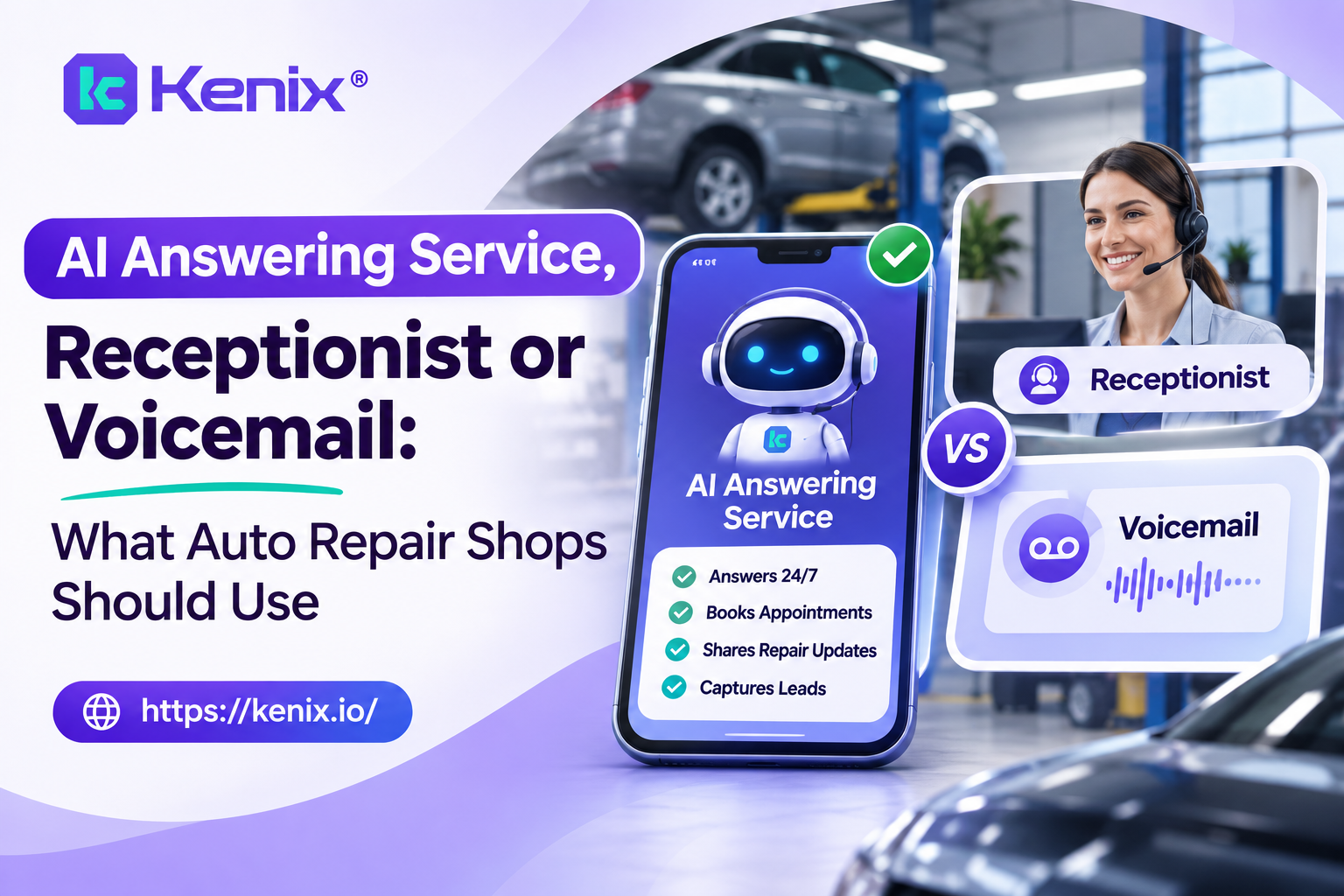
For most independent auto repair shops, the best setup is a hybrid: a real person answers during open hours, and an AI answering service covers after hours and overflow, with voicemail as a last resort. Customers tend to prefer a human when the shop is open, and an AI that captures the vehicle, the concern and a callback time beats a voicemail box that callers have to do extra work to use. That is also how Kenix recommends using its own AI answering service.
This guide compares the three options by cost, by what customers want and by what each one can do, then shows how to run a hybrid and measure whether it’s working.
The three options and what each costs
| Voicemail | Receptionist (in-house) | AI answering service | |
|---|---|---|---|
| What it does | Records a message after the greeting | A person answers, books and routes | Answers in the shop’s name, captures details, can move callers toward a booking |
| Hours covered | Always, but passive | Their shift only | Nights, weekends, lunch, overflow |
| Cost | Free or part of the phone plan | The median U.S. receptionist wage is $38,010 a year ($18.27 an hour), before payroll costs and benefits | Priced per plan; many vendors don’t publish prices |
| Strength | Costs nothing | Judgment, warmth, handles odd questions | Never off shift, answers every call |
| Weakness | Callers have to do extra work, and many don’t | One person can’t answer two calls at once or work at 9 p.m. | Can’t diagnose, and some callers dislike talking to AI |
The receptionist wage comes from the U.S. Bureau of Labor Statistics (May 2025 data) and is the wage only, so your real cost is higher. For AI, ask each vendor for the monthly total for your shop in writing, including any per-call or per-minute charges. Kenix’s pricing page lists its packages, which start at $50 for the first month, but doesn’t list a separate price for its AI answering service, so ask for that figure when you request a demo.
What customers prefer during open hours and after hours
When both are available, most callers would rather talk to a person; when only voicemail is available, an AI that answers is a better experience than a recording. Those two facts explain why a hybrid usually wins.
On the first point, a March 2026 survey of 6,000 consumers by AnswerConnect with OnePoll found that 83% prefer speaking with a real person rather than AI, and one in three would hang up if they reached an AI system. Read that with care: AnswerConnect sells human-staffed answering services, and the page doesn’t publish the questions or margin of error. It is a useful signal, not proof.
On the second point, Marchex’s 2019 analysis of more than 8.7 million calls to auto services businesses found that 68% of callers who didn’t reach a business on the first attempt didn’t call back. A voicemail greeting is, for most of those callers, the end of the conversation. An AI that picks up, greets them in your shop’s name and asks about the vehicle and the problem at least keeps the lead.
So the practical split looks like this:
- During open hours: a person should answer. Kenix says on its AI answering page that it recommends its AI primarily as an after-hours solution, because most customers prefer a real person when the shop is open.
- After hours, at lunch and when every advisor is on a line: voicemail is the weakest option. A well-set-up AI is the better choice, with a human following up first thing.
- For overflow during busy peaks: AI can take the call when no advisor is free, then hand the details to the next available person.
What an AI answering service can and can’t do for a repair shop
An AI answering service is good at the first two minutes of a call and at capturing details; it isn’t a substitute for a service advisor’s judgment. Here is a plain split, using what Kenix says its Voice Pro AI does as the example:
| Task | AI answering service | Needs a person |
|---|---|---|
| Answer in the shop’s name, 24 hours a day | Yes | |
| Answer common questions (hours, location, services) | Yes | |
| Capture the vehicle, the concern and the caller’s contact details | Yes | |
| Judge urgency (repair opportunity, urgent concern, routine follow-up) | Yes, as a first sort | A person checks the queue |
| Collect what is needed to book | Yes | An advisor confirms the appointment |
| Log the call and create a follow-up task | Yes, to the CRM | The task still needs an owner |
| Diagnose a problem or give a firm repair price | No | Yes |
| Handle an upset customer or a complicated situation | Poorly | Yes |
Two details matter in a demo. First, booking. Kenix’s page describes the AI collecting what’s needed to book so advisors can confirm the appointment the next morning, not confirming the appointment itself. If a vendor says its AI books straight into your calendar, ask exactly which calendar, which system and what happens when two callers want the same slot. Second, hand-off. Kenix’s page doesn’t describe transferring a live call to staff, so ask any vendor what happens when a caller says “let me talk to a person”, and what the caller hears.
Whatever the AI captures should land where your team will act on it. With Kenix, every AI-handled call is logged to the CRM and becomes a follow-up task on the same customer record as the shop’s other calls and texts, and the AI works alongside call recovery and the calendar tools. If the AI’s output stays in a separate app, nobody will check it and the leads go cold anyway.
The hybrid model: people in hours, AI after hours, and which fits your shop
A hybrid works in three layers. A person answers first during open hours. If no one picks up within a few rings, or every advisor is busy, the call rolls over by routing rules to the AI. After closing, the AI answers directly, and the captured details are waiting for the first advisor in the morning. Voicemail stays only as a fallback if the AI is unavailable.
Here is how that plays out for different shops:
| Your shop | Recommended setup | Why |
|---|---|---|
| One location, one or two advisors | Advisors in hours; AI after hours and when both are on calls | You can’t staff a receptionist for every gap, but you can stop losing the calls in those gaps |
| Has a dedicated receptionist | Receptionist in hours; AI for lunch, after hours and weekends | Keeps the human touch where it matters and covers the hours she can’t |
| Several locations | Local advisors first; shared overflow and after-hours AI across sites (see multi-location setups) | One AI setup covers every shop’s gaps |
| Almost all business is walk-in or fleet accounts | Voicemail may be enough; try AI only if you see missed calls in your logs | If calls are rare and mostly known customers, the gain is small |
Before buying anything, pull four weeks of call logs and count how many calls came in outside hours or went unanswered during them. If it’s a handful, voicemail may be fine. If it’s a meaningful share, the cost of the AI is easy to justify against even a few recovered repair orders. Kenix’s call recovery page explains how it measures answer rate, if you want a method to copy.
Setting up and scripting the AI
The AI is only as good as the instructions you give it, and a good script is short. Spend an hour on these steps before you go live:
- Decide when it answers. Set the hours (after closing, weekends, lunch) and the rollover rule (for example, after four rings with no answer during open hours).
- Write the greeting. Keep it to your shop’s name, a line that says it can help, and an invitation to talk. For example: “Thanks for calling [Shop Name]. Our team is helping other customers right now. I can take your details and have someone call you back. What’s going on with your vehicle?”
- List what it must capture. Name, mobile number, year, make and model, the concern in the caller’s words, whether the car is safe to drive, and the best time to call back.
- List what it must never do. Don’t diagnose, don’t promise a price, and don’t promise a time slot that an advisor hasn’t confirmed. Anything uncertain gets “I’ll have an advisor confirm that”.
- Define urgency. Tell it what counts as urgent (a stranded caller, a car that won’t start, a safety issue) and who should be alerted straight away, not at 8 a.m.
- Decide what happens when someone asks for a person. Ask your vendor what the caller hears and whether the call can transfer, as noted above.
- Announce recording if you record. Add a short line to the greeting, because some states require consent from everyone on the call.
- Listen to the first 20 calls. Read the transcripts, fix wording that confuses callers and add the questions callers keep asking.
Where possible, have the AI’s output land on the customer’s record automatically. Kenix says every AI-handled call is logged to the CRM and turned into a follow-up task, so the morning queue is ready when the first advisor arrives.
Measuring whether it’s working
Compare four weeks before and four weeks after you switch on the AI, using the same call logs. Five numbers tell you most of what you need:
| Measure | What it shows | What a bad result usually means |
|---|---|---|
| After-hours and overflow calls captured | How many calls that used to hit voicemail now have a name, a number and a concern | Greeting too long, or callers hanging up early |
| Share of captured calls with complete details | Whether the AI collects vehicle, concern and callback time | The script is missing a question |
| Time to first callback the next morning | Whether your team acts on what the AI captured | The queue has no owner |
| Appointments booked from AI-captured calls | The revenue that matters | Slow follow-up, or the offer isn’t clear |
| Short calls (hang-ups) | How many callers leave straight after the greeting | Greeting sounds robotic, or it takes too long to ask a question |
Every week, read or listen to a handful of the calls. Transcripts and call summaries make this quick, and call intelligence tools can flag the conversations worth a closer look. Add the dollar figure by taking appointments from AI-captured calls times your average repair order. That number is what you compare with the monthly cost, and with what a receptionist’s extra hours would cost.
Frequently asked questions
- Is an AI receptionist good for an auto repair shop?
It is good for the calls your team can’t answer: after hours, at lunch and during busy peaks. It captures the vehicle, the concern and a callback number instead of sending the caller to voicemail. It isn’t a replacement for a service advisor, and customers still tend to prefer a person when the shop is open.
- Can AI book appointments into my shop calendar?
It depends on the vendor, so ask which calendar and which system it writes to. Kenix’s AI answering page describes the AI collecting what is needed to book so advisors can confirm the appointment the next morning, and it works alongside Kenix’s calendar tools. It doesn’t describe the AI confirming appointments itself.
- Do customers hang up on AI phone agents?
Some do. In a March 2026 survey by a human-staffed answering service, one in three consumers said they would hang up if they reached an AI system. You can reduce it with a short greeting, a single clear question and a prompt human callback. Compare the result with voicemail, where callers who don’t reach anyone often don’t call back.
- How much does an AI answering service cost?
It depends on the vendor’s plan and any per-call or per-minute fees, and many don’t publish prices. For comparison, the median U.S. receptionist earns $38,010 a year in wages alone. Kenix’s pricing page lists packages starting at $50 for the first month, with no separate price for the AI answering service, so ask for the total for your shop.
Try it on your after-hours calls
The quickest way to see what’s slipping through is to look at your own call data. Start with a $50 pilot or book a free missed-revenue audit, and we’ll show you how many calls go unanswered and what recovering them is worth.
Back to the previous article