Collision Repair CRM: Does a Body Shop Need a Different CRM Than a Mechanical Shop?
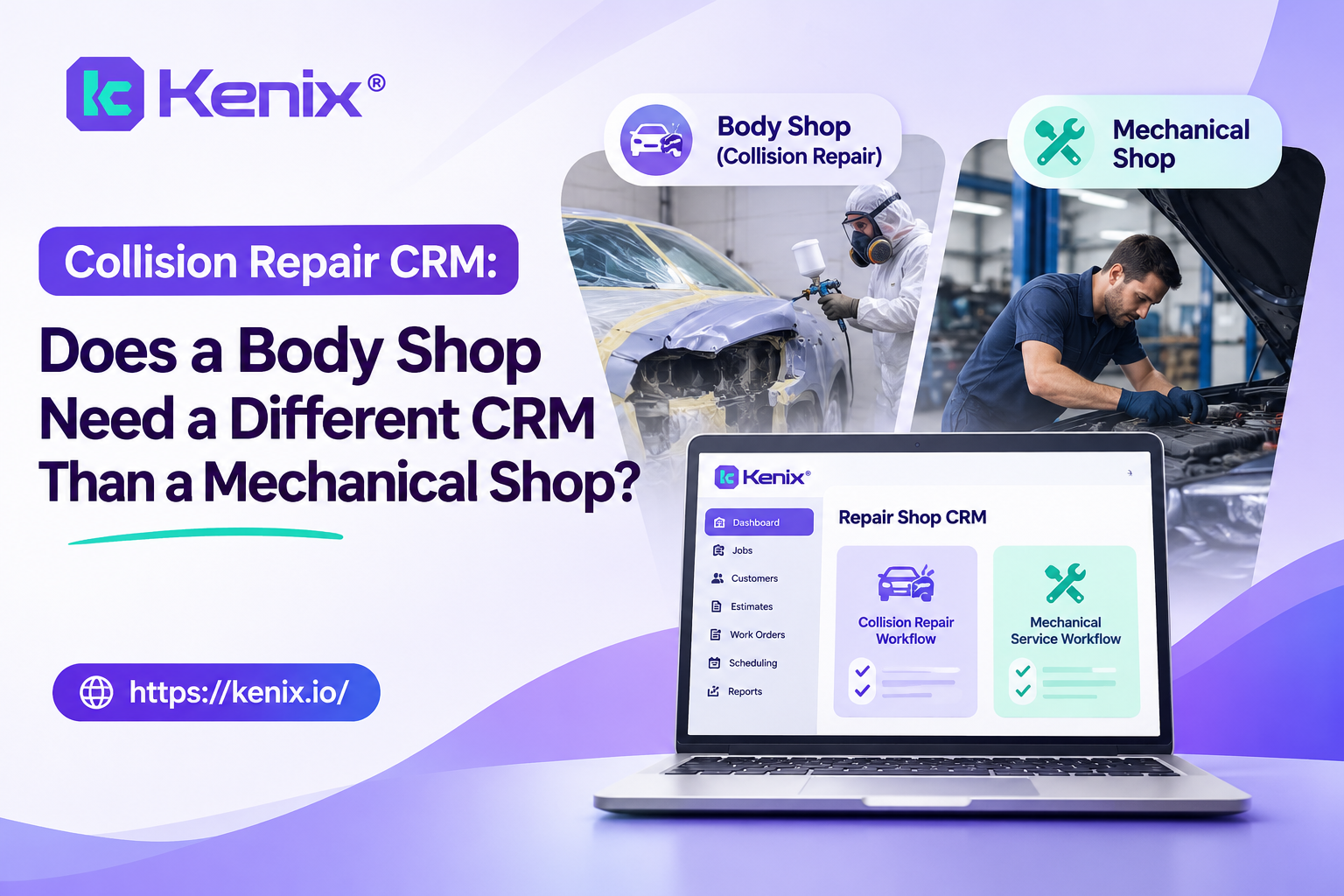
A collision repair shop needs the same core CRM jobs as a mechanical shop, which are answering calls, following up on estimates and asking for reviews. It also needs a CRM that fits a slower, insurance-driven workflow, where a customer waits days or weeks and wants updates the whole way. So the honest answer is: not a completely different category, but you should test a CRM against collision-specific questions before you buy, and some general auto repair CRMs won’t pass.
This guide covers how collision work differs, what to look for in customer communication, how a CRM relates to estimating systems like CCC ONE, how reviews and phones change, and a checklist to take into a demo.
How collision workflows differ from mechanical repair
The difference is the shape of the customer relationship. A mechanical visit is usually hours or a day; a collision job runs for days or weeks, with an insurer involved, a car the customer can’t drive and a long gap between the estimate and the keys coming back.
| Mechanical repair | Collision repair | |
|---|---|---|
| Typical visit | A few hours to a couple of days | Days to weeks |
| Who pays | Mostly the customer | Often an insurer, plus a deductible |
| What the customer wants to know | When it’ll be ready, what it costs | Where is my car, what stage is it at, when will it be done |
| First contact | A call to book or ask a price | A call, a web form or photos for an estimate |
| Where the work is tracked | Shop management system | Estimating and production systems (such as CCC ONE) plus the shop’s own |
| Follow-up risk | An unapproved estimate | A quote that never becomes a job, or a long job with no updates |
| Review timing | After pickup | After delivery, once the customer has seen the finished car |
Those differences change what a CRM must do. It needs to keep a customer informed across a long job, follow up on estimate requests that may come in with photos, handle a customer who calls while their car is mid-repair, and pull in status from the system the body shop already uses. A tool built around a single-visit mechanical flow can do the first contact well and still leave the middle blank.
Keeping customers updated during the repair
In collision work, the update is the product: customers who know where their car is stay calm, and customers who don’t call you. A study by AudaExplore (part of Solera) found that 74% of collision customers wanted to better understand the work their shop was doing, and that being kept informed about repair progress ranked highest among eight customer desires. About 62% saw value in timely electronic updates by email, text or social media. The survey is from May 2014, so it is old, but the finding still matches what most shop owners hear on the phone. The FenderBender report has the details.
A good update flow has three parts:
- Stage-based texts. A message when the estimate is reviewed, when parts arrive, when the car moves to paint, and when it’s ready for pickup. Staff should not type these; a status change in the production system should send them.
- A reply path. The customer’s answer, such as “can I pick it up Saturday?”, needs to land with a person, on the same record as everything else. Two-way messaging on the CRM keeps that thread together with the calls.
- Photos where they help. Customers like to see progress, and photos also reduce “is it done yet?” calls. Ask any vendor whether photos are sent through their texting, or only through another tool.
If your estimating system already sends status updates (CCC, for example, sells an update service that sends repair progress, a delivery survey and Google review prompts by text and email), decide which system owns the customer conversation. Two systems texting the same customer about the same car is worse than one. A CRM should complement the updates you have by handling the phone, the follow-up and the reviews around them, and it shouldn’t duplicate them.
Integrating with estimating systems such as CCC ONE
For a body shop, “does it integrate?” really means “does it know what stage my cars are in?”. A CRM that can’t read your estimating and production system is a contact list. Ask for the specific data that matters to a collision job, one field at a time:
| Data | Why the CRM needs it | What to ask |
|---|---|---|
| Customer and vehicle | To match calls and texts to the right job | Is the customer matched by phone number, and what happens with duplicates? |
| Estimate or repair order status | To follow up on estimates that haven’t become jobs | Can it see the status change without anyone typing it? |
| Production stage | To send stage-based updates and answer “where’s my car” calls | Which stages does it read, and how often does it refresh? |
| Promised delivery date | To warn customers early when a date moves | Does a change in the date reach the CRM? |
| Invoice closed | To trigger the review request after delivery | How soon after delivery does it fire? |
Here is what Kenix says. Its integrations page lists CCC ONE among the systems it integrates with, alongside Tekmetric, Shopmonkey, Mitchell 1 and others, and says it connects via API or data sync and reads customer records, repair orders, appointment statuses, invoice history and inspection signals. The page describes this in general terms and doesn’t say which of those fields are available from CCC ONE specifically, or whether production stage and delivery dates are included. It also describes the flow as inbound, not as writing back. So before you buy, ask for a live walkthrough of the connection on a CCC ONE test account and have the vendor show you each field in the table above.
If your system isn’t on the list, Kenix says it will build a connection on request. Ask for a delivery date for that in writing.
Reviews and reputation for body shops
For a body shop, the right moment to ask for a review is after the customer has the finished car back, not when the invoice is created and not while the car is still in the shop. A job that took three weeks and ended well is a strong story, but only if the request arrives while the memory is fresh and the customer knows it was fully done.
What to look for in review software:
- A trigger tied to delivery, not a bulk list you send once a month. Check which event in your system fires the request.
- A private route for complaints. A customer who is unhappy about a delay or a paint match should reach a manager before posting publicly, while still being free to post.
- No review gating. Anything that only sends happy customers to Google is the kind of practice review platforms discourage. Ask how the vendor handles it.
- Reporting on resolved and unresolved issues, so someone follows up.
Kenix’s review recovery sends a request automatically when an invoice or service is completed, can tailor the request by service type, repair value and customer history, and routes customers with concerns to a private feedback form. Customers who are happy are guided to Google, Yelp or Facebook, and the page says Kenix does not gate reviews. The page describes this for auto repair shops generally and doesn’t mention collision, so confirm how “invoice completed” maps to your delivery step. The wider reputation tools cover review requests and negative feedback.
Phone handling for estimate requests
The first call to a body shop is usually an estimate request, and a caller who is shopping around usually goes to whoever answers first. Three habits make the difference:
- Answer or text back fast. A missed call from someone who just had an accident should get a text within a minute and a call from a named person. Kenix’s call recovery does this by sending an automatic text when a call is missed and creating a callback task that is tracked until someone reaches the customer.
- Sort the callers. Not every caller is ready to book. Kenix’s lead qualification sorts callers into four types: Now (coming to the shop right away), Firm (a specific future date and time), Soft (may come in later, no confirmed time) and Not Booked. Each gets a different follow-up, so an urgent caller isn’t waiting behind a price shopper. The page doesn’t describe this for estimate requests in particular, so ask how it handles a caller who wants a quote from photos.
- Log the call to the job. A caller who rings back about the same car should reach someone who sees the earlier call, the estimate and the current status, not a blank screen. Recording and transcribing every call, as Kenix’s phone system does, makes that possible.
If your shop is closed when the accident happens, an AI answering service can capture the vehicle, the damage description and a callback number overnight. It is an after-hours tool, not a replacement for a person during the day.
A collision shop CRM checklist for demos
Bring this list to every demo and ask the vendor to show each item on your own system, not on slides. Mark each one yes, partly or no.
Workflow and integration
- ☐ Reads estimate or repair order status and production stage from my estimating system (CCC ONE or other), shown live
- ☐ Updates when the promised delivery date changes
- ☐ Matches calls and texts to the right customer and vehicle
- ☐ Clear answer on whether anything is written back to my system
Customer communication
- ☐ Stage-based status texts triggered by the system, not typed by staff
- ☐ Two-way text on the shop’s number, with replies on the customer record
- ☐ Handles photos, or tells me which tool does
- ☐ Plays well with any status updates my estimating system already sends
Phones and follow-up
- ☐ Missed-call text and a tracked callback task for every missed call
- ☐ Sorts callers by readiness to book, so urgent estimates come first
- ☐ After-hours coverage for accident calls
- ☐ Records and transcribes calls to the customer record
Reviews
- ☐ Review request tied to delivery, not to bulk sends
- ☐ Private route for complaints, with no gating
- ☐ Reporting on resolved and unresolved issues
Commercials
- ☐ Monthly total in writing for my locations, including setup and add-ons
- ☐ Price after any intro period, and contract terms
- ☐ A pilot on live calls before a full rollout
If a vendor can’t show an item on your data, count it as a no. Items from the first group matter most for a body shop, because that is what separates a collision-ready CRM from a general one.
Frequently asked questions
- What is the best CRM for collision repair shops?
The best one is the one that passes collision-specific tests: it reads status from your estimating system, sends stage-based updates, handles estimate requests and ties review requests to delivery. Use the checklist above, and ask each vendor to show every item on your own data.
- Can a CRM integrate with CCC ONE?
Some can. Kenix’s integrations page lists CCC ONE among supported systems and says it connects via API or data sync, but it doesn’t say which fields it reads from CCC ONE specifically. Ask any vendor for a live demonstration on a CCC ONE account and for the list of fields that sync.
- How do body shops keep customers updated during repairs?
With stage-based texts that are triggered by a status change in the production system, a way for customers to reply that lands on the customer’s record, and photos where useful. A 2014 AudaExplore study found that being kept informed about repair progress ranked highest among eight customer desires. Decide which system owns the conversation, so customers don’t get duplicate messages.
- What is the best review software for auto body shops?
Look for review requests triggered by delivery, a private feedback route for complaints, no review gating and reporting on resolved and unresolved issues. Kenix’s review recovery sends requests when an invoice or service is completed and routes customers with concerns to a private form. Confirm how that maps to your delivery step.
See how it works on your shop
The quickest way to find out whether a CRM fits a body shop is to test it on your own data. Start with a $50 pilot or book a free missed-revenue audit, and ask us to show the CCC ONE connection and your review flow.
Back to the previous article