Which CRM Integrates With Your Shop Management System?
Objective
In this blog, you’ll know what a CRM adds on top of a shop management system, which systems the platform says it works with, how the data moves, and what it costs.
Key takeaways
- Your shop management system is the system of record for repair orders, invoicing, and parts. The CRM layer is for calls, leads, appointments, estimates, and reviews.
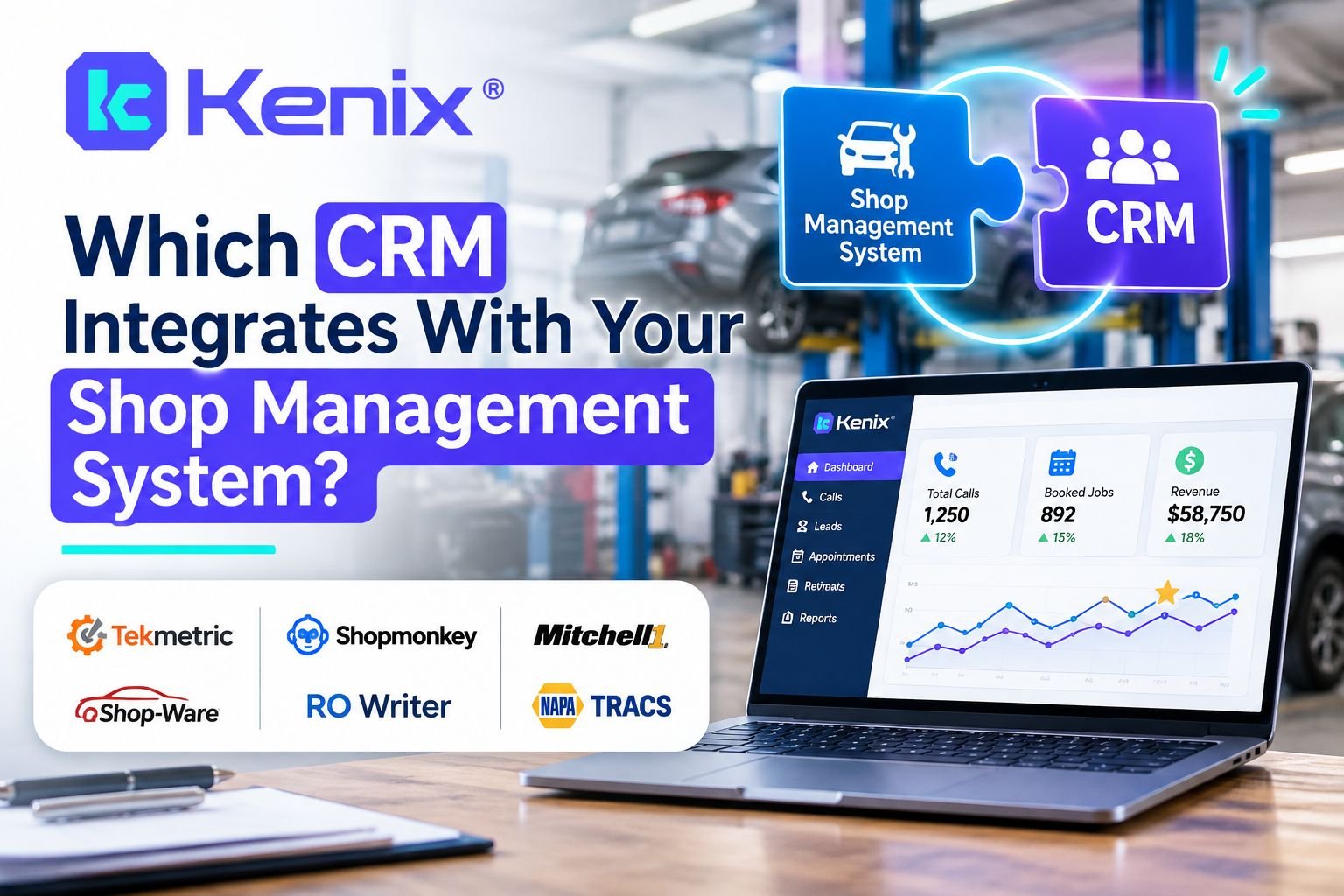
- The platform says it connects with the major shop management systems and names Tekmetric CRM, Shopmonkey CRM, Mitchell 1 CRM, Shop-Ware, RO Writer, and NAPA TRACS.
- The enterprise plans include custom integrations for any DMS, ERP, or parts management systems.
- This is not an invoicing system, so you don’t replace your current invoicing system.
- The price starts at $50 a month for the first month for each plan.
Introduction
Your shop management system does plenty once a car is on the lift. It writes the repair order, tracks parts, and sends the invoice. But a lot of revenue slips away before any of that starts: the call nobody answered, the caller who never booked, the customer who skipped the appointment, the estimate nobody approved.
That gap is why owners ask which CRM works with the system they already run. In this guide, we break down how Kenix answers that question, using what the platform says on its own site.
Table of contents
- Why shop management software isn’t enough on its own
- Does a CRM replace your SMS?
- Which shop management systems does it work with?
- How the data moves, step by step
- A simple example
- What it costs
- Questions to ask before you sign
- Keep your software, add the missing layer.
- FAQs
Why shop management software isn’t enough on its own
Shop management software is what you use to complete jobs once the car is on the lift. This includes repair orders, parts management, labor times, and invoicing. However, there can be lost revenue much earlier in the process. There are 5 points where revenue can be lost. These are: unanswered calls, unbooked leads, no-shows, unapproved estimates, and happy customers who don’t leave a review.
A CRM (customer relationship management) tool is where that customer side lives. It includes unified profiles, two-way texting, pipelines, and automation to surface the right customer at the right time. Two more terms help here. An integration means two programs share data. The system of record is the one that holds the official record of a job.
Does a CRM replace your SMS?
No. It is designed not to replace your SMS. Your SMS will be your system of record for repair orders, invoicing, and parts. The CRM will provide the extra layer to answer and log all calls, follow up on all leads, remind customers of appointments, and follow up on all active estimates.
| Job | Where it lives |
| Repair orders | Your shop management system |
| Parts and labor | Your shop management system |
| Invoicing | Your current invoicing tool |
| Answering, recording and tracking calls | The platform (VoIP) |
| Customer profiles, texting and pipelines | The platform (CRM) |
| Follow-up on missed calls, leads and estimates | The platform |
| Appointment reminders and waitlist | The platform (calendar) |
| Review requests | The platform (reputation) |
Which shop management systems does it work with?
The site says the platform connects with most major shop management systems used across auto repair crm shop. It names Tekmetric, Shopmonkey, Mitchell 1, Shop-Ware, RO Writer, and NAPA TRACS, and others. Enterprise plans include custom integrations for any DMS, ERP, or parts management system you already run.
The site also has a dedicated integrations page. Check it for your exact system and version, and ask the team to confirm support in writing before you sign.
How the data moves, step by step
The site says every tool shares one data layer, so nobody re-enters anything. Here’s the flow it describes:
- A call comes in. It’s routed, recorded, and transcribed, then logged to the CRM automatically.
- AI classifies the caller as a new lead, repeat customer, vendor, or warranty call.
- If the call is missed, the caller gets a text right away, and the right advisor gets a callback task.
- AI tracks whether the customer was reached and booked.
- The calendar sends reminders and refills cancellations from a live waitlist.
- Pending estimates get follow-up until the customer decides.
- When the job is complete, a review request goes out. Unhappy customers are caught before they post publicly.
What this really means is that the CRM fills itself from your calls instead of depending on someone typing notes.
A simple example
If you have Tekmetric and add the platform, then at 9.05 am on a Monday, your advisor misses a call. The customer will receive a text immediately, and the advisor will get a task to call them back. If they book, then the appointment will be added to the calendar and a reminder sent. Later on, there will be an unapproved estimate, so the system will follow up. The SMS will still create the repair order and send the invoice.
What it costs
All packages will start at $50 for the first month. The Starter package will increase to $150 per month. Accelerate & All Included will start at $50 for 2 months and then increase to $450 and $599 per month. Individual products will be $150 per month per location. The initial price includes full technical setup and onboarding.
For comparison, the site lists what separate tools cost and says they add up to $1,000+ a month:
| Separate tool | Price per month on the site |
| Two-way SMS and follow-up | $99+ |
| Calendar and scheduling | $149+ |
| Review management | $149+ |
| AI call analysis | $299+ |
| VoIP phone system | $149+ |
| CRM | $199+ |
Those are the vendor’s own figures, so check them against quotes you collect yourself.
Questions to ask before you sign
Here’s the thing: “integrates” can mean a lot of things, and the site doesn’t spell out how each system syncs. So ask:
- Which data syncs: customers, vehicles, repair orders, estimates, appointments?
- Does it sync both ways, and how fast?
- Who handles setup, and what does the intro price cover?
- Can I see it work with my own SMS and version?
- Can I see every location, advisor, and KPI in one dashboard?
Keep your software, add the missing layer.
The right CRM is the one that fits the system you already run and catches the revenue that never reaches it. Your SMS keeps the repair orders and invoices. The CRM layer handles calls, leads, appointments, estimates, and reviews. Ask the five questions above before you pay anything.
Want to see what your shop is missing? Kenix offers a free missed-revenue audit: a 30-minute walkthrough with a real shop specialist. It works alongside Tekmetric, Shopmonkey, and Mitchell 1, and every package starts at $50 for the first month. You can also call us.
FAQs
What shop management systems does the platform work with?
The site names Tekmetric, Shopmonkey, Mitchell 1, Shop-Ware, RO Writer, and NAPA TRACS, and says it connects with most major systems. Enterprise plans add custom integrations for any DMS, ERP, or parts management system.
Can a CRM replace my shop management system?
Not here. The site says your SMS stays the system of record for repair orders, invoicing, and parts, and that the platform isn’t invoicing software.
What is the difference between a CRM and a CDXP?
A CRM captures the data, i.e., contact and service records. A CDXP, the term their website uses, utilizes that data in other ways, i.e., recovering a missed call, following up on a service approval, or checking on the status of a service, without having to rely on someone remembering to do it.
How does missed call recovery work?
When a call is missed by the shop, the system automatically sends a text to the customer to let them know the shop will be in touch. The system automatically creates a callback task for the appropriate advisor. The system uses AI to track whether the customer was reached and booked.
How fast can I go live, and do I need a new phone number?
The site says most shops are live within 48 hours and that you keep your current business number, with the platform layered on top.
Back to the previous article