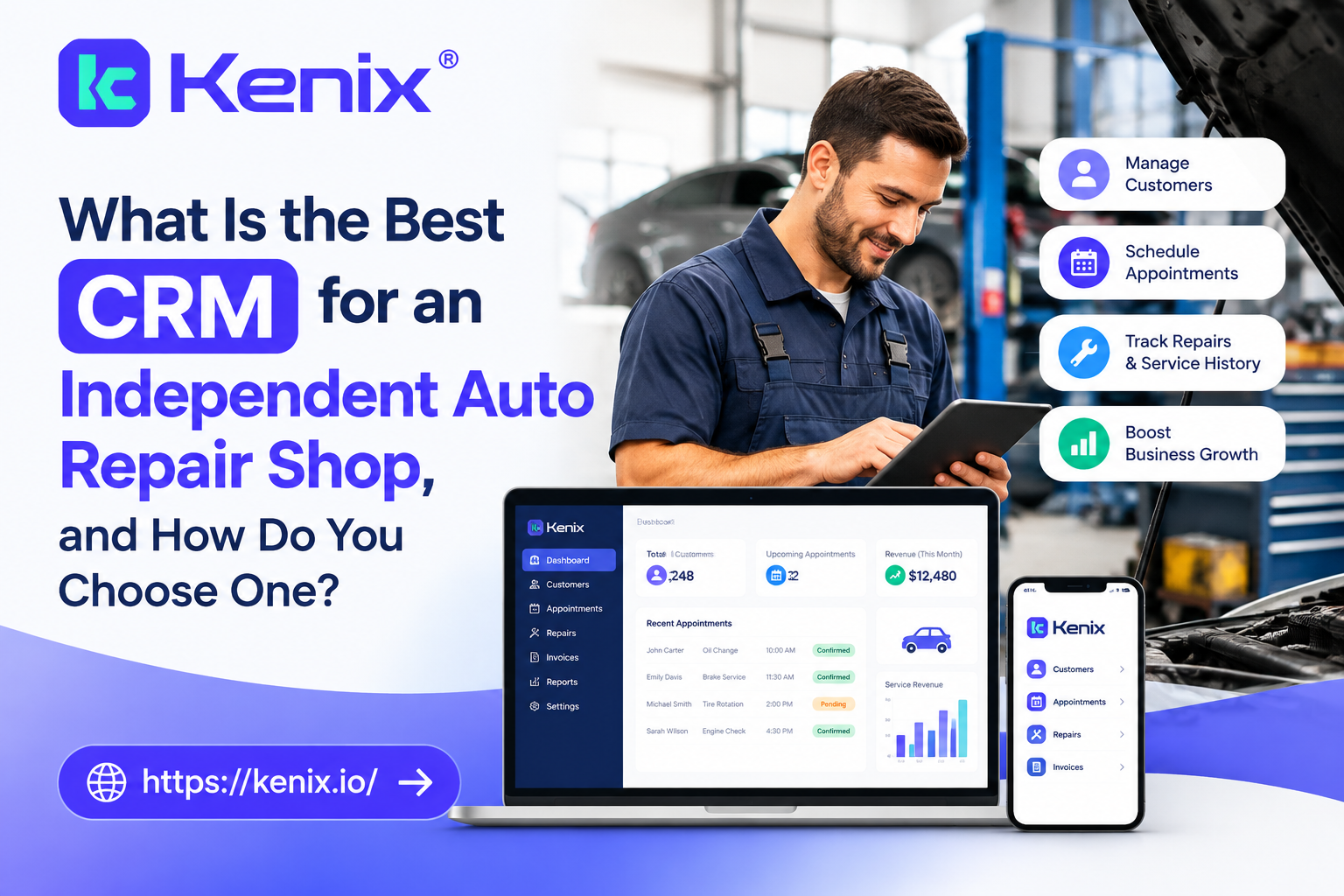
What Is the Best CRM for an Independent Auto Repair Shop, and How Do You Choose One?
Objective
This blog helps independent auto repair shop owners identify CRM features, check software compatibility, and choose a system that helps them retain customers and grow their business.
Key Takeaways
- You need to choose a CRM system that solves your shop’s actual issues.
- Check for texting, call tracking, customer records, and automation.
- Check for software integration with your shop management software.
- Compare the full cost, not just the monthly subscription.
- Evaluate the results in the first 90 days.
Introduction
Your repair shop may provide excellent service, but what happens when a customer calls and nobody follows up? That missed opportunity could cost you a booking today and a repeat customer later.
The right auto repair CRM software helps you manage customer details, track inquiries, send reminders, and follow up on pending estimates. But with so many options available, how do you choose the right one for your shop?
Let’s look at the features that matter, the costs to consider, and how to measure results before committing to a new system.
Table of Contents
- What Does Auto Repair CRM Software Do?
- Which Features Should Your CRM Include?
- CRM vs. CDXP: What Is the Difference?
- How Do You Choose the Right CRM?
- How Much Does Auto Repair CRM Software Cost?
- How Do You Measure CRM ROI?
1. What Does Auto Repair CRM Software Do?
Auto repair CRM software is a customer relationship management system that helps repair shops organize customer information, manage inquiries, and maintain communication before and after a service visit.
CRM software focuses on the management of customer relationships. While shop management systems may also help manage customer relationships, CRM software often helps manage customer relationships more broadly and facilitates follow-up activities.
For example, a customer calls about brake repairs but does not approve the estimate. Your team can use a CRM to track that opportunity and schedule a follow-up instead of relying on memory.
The goal is simple: help your staff manage customer relationships without adding unnecessary administrative work.
2. Which Features Should Your Auto Shop CRM Include?
The best auto repair shop CRM software should fit your daily operations. Start with these five features.
- Vehicle history: Access relevant service records and customer details.
- Two-way texting: The best CRMs integrate texting with your shop management system to allow staff to text customers to remind them of appointments or answer customer messages.
- Call logging: CRMs help staff log customer service inquiries and identify service requests.
- Customer segmentation: CRMs for auto repair shops help staff categorize customers based on service history and/or service requests to help staff prioritize follow-up activities.
- Service reminders: Send appropriate maintenance reminders to encourage repeat visits.
Look for automated estimate follow-ups, useful reports, and clear customer communication records, too.
A good auto shop CRM with texting should let your team view messages alongside other customer interactions. This reduces the need to search through separate systems.
Before buying, check which features come with your subscription and which require additional fees.
3. CRM vs. CDXP: What Is the Difference?
A traditional auto repair CRM focuses on customer records, communication, and follow-up. A Customer Data Experience Platform (CDXP) aims to bring customer data and interactions from multiple tools into one shared system.
For example, a CDXP may combine phone calls, CRM records, appointment scheduling, and review management.
Kenix offers an automotive platform that brings CRM, VoIP phone services, AI call analytics, scheduling, and reputation management together.
This approach may suit shops that want to track customer interactions across several business functions. A smaller shop that only needs contact management and service reminders may be better served by a simpler CRM.
Our advice: Pay for the features your shop will use, not the longest feature list.
4. How Do You Choose the Right CRM?
Use this checklist before choosing a mechanic CRM or comparing the best CRM for independent auto repair shops.
Check Your Existing Software
| Shop Management System | What to Check |
|---|---|
| Tekmetric | Available CRM integrations, customer data syncing, and automated follow-ups |
| Shopmonkey | Supported integrations, API access, and customer and vehicle data transfers |
| Mitchell 1 | Available marketing tools, CRM options, and compatibility with your current setup |
Do not assume every CRM supports every system. Ask the vendor to demonstrate the exact integration you need.
Ask These 10 Questions Before Signing
- Does the CRM work with our current shop management system?
- Can it track calls, texts, and emails?
- Does it support Two-way texting?
- Can we automate service reminders and estimate follow-ups?
- Which reports can we access?
- How does the vendor protect customer data?
- Is staff training included?
- Are there extra charges for integrations or messages?
- Can we export our records if we leave?
- Can we test the software before committing?
Also, check whether your website, phone system, and booking process work well with the CRM.
Build a website that converts visitors into customers: Make your phone number, service pages, and booking options easy to find.
Invest in local SEO before increasing ad spend: Improve your local business listings and service pages so nearby customers can find your shop.
Optimize for mobile users: Make it easy for customers to call or request an appointment from their phones.
Build trust by providing content that answers customer questions: Explain common repairs, maintenance needs, and warning signs.
5. How Much Does Auto Repair CRM Software Cost?
CRM pricing varies by vendor and the features included. Most quotes can be compared using three common pricing models.
| Pricing Model | What to Check |
|---|---|
| Per location | Charges for each shop or branch |
| Per module | Separate fees for texting, call tracking, or reporting |
| Bundled platform | Included tools, usage limits, and support |
Ask for the full cost, including setup, data migration, messaging, integrations, and training.
A cheaper subscription may not be the best value if your staff still spends hours entering the same information into separate systems.
Use email marketing to stay top of mind. Send useful service reminders and relevant offers to customers who have given the required consent.
6. How Do You Measure CRM ROI in the First 90 Days?
A CRM should help you improve specific business results. Start with a baseline before judging its performance.
Days 1–30: Measure current results: Record missed calls, booking rates, estimate approvals, repeat visits, and follow-up completion.
Days 31–60: Introduce a few workflows: Start with missed call follow-ups, appointment reminders, and pending estimate notifications.
Days 61–90: Compare the results: Find out whether this system increases your conversion rates or saves your staff time. Consider customer needs fluctuations and different marketing activities.
Use this formula:
CRM ROI = (Measurable Financial Benefit − CRM Cost) ÷ CRM Cost × 100
Calculate the booking value including extra gross profits instead of booking values. This is an example that shows the formula and does not guarantee the result you will achieve.
Concentrate on metrics that make sense for marketing. Track your qualified lead conversions, bookings, repeat visitation, and customer acquisition costs.
Analyze your metrics weekly: Follow up on missed calls, campaigns, and follow-ups.
Choose a CRM That Works for Your Shop
While choosing a CRM that works well for your independent repair shop, there are several considerations to keep in mind, such as your budget, available integrations with other software, and whether it helps you with your employees’ follow-ups.
Start by identifying your biggest customer management problems. Then compare features, verify integrations, and measure results over 90 days.
Ready to improve how your shop manages customer inquiries? Explore Kenix‘s automotive CRM to see whether its communication tracking, automation, and reporting features fit your needs.
Frequently Asked Questions
1. What Is the Best CRM for an Independent Auto Repair Shop?
The best option depends on your shop’s size, budget, and existing software. Prioritize customer records, automated follow-ups, useful reporting, and verified integrations.
2. Do Auto Repair Shops Need a Separate CRM?
Not always. If your shop management system already meets your customer communication and follow-up needs, a separate CRM may not be necessary.
3. What Features Should a Mechanic CRM Include?
Look for customer records, call logging, two-way texting, service reminders, customer segmentation, and reporting. Choose additional features based on your daily needs.
4. How Much Does Auto Repair CRM Software Cost?
Each CRM vendor will have a different pricing structure. You will need to determine for yourself which features you will need to take on the day-to-day running of your shop.
5. How Can an Auto Repair Shop Measure CRM ROI?
Auto repair shops can measure ROI by looking at booking conversions, estimate approvals, repeat customers, and measuring how much time staff save by using the CRM versus not using it.